Start with a useful foundation.
Explore Personalization and understand which settings shape your experience.
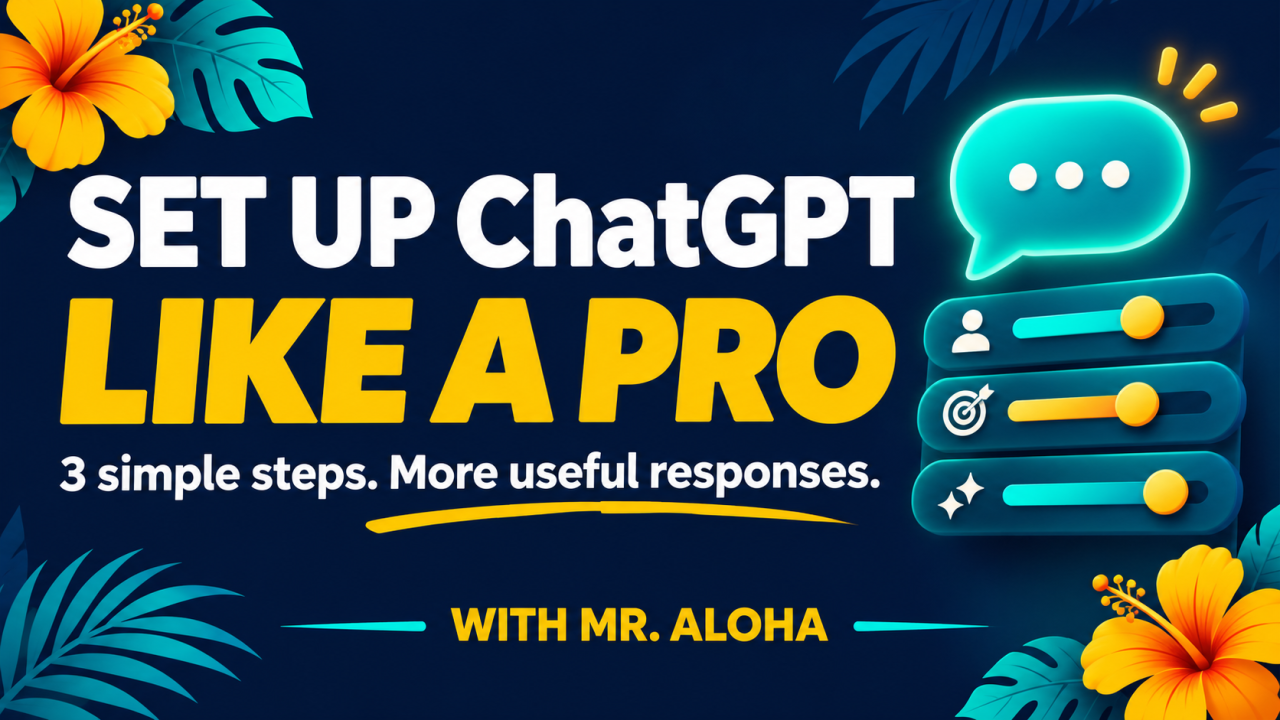
FREE LIVE WORKSHOP · WITH MR. ALOHA
45 minutes. Three practical steps. Your own setup, ready to use.
Still rewriting, correcting, and explaining what you meant? Give ChatGPT a clearer understanding of how you work and the responses you want.
BETTER DIRECTION. MORE USEFUL RESPONSES.
You see people using ChatGPT to get work done and make everyday tasks easier. But your answers still feel generic, too long, or off target.
One reason may be your setup. Have you told ChatGPT how you work, what matters to you, and how you want it to respond?
Join Billy “Mr. Aloha” Wigley for a practical, hands-on workshop. I’ll walk you through the basics I use in my own setup—and help you apply them to yours.
Explore Personalization and understand which settings shape your experience.
Choose a tone and level of detail that suit the way you work.
Use my SPARK Prompt Builder to write, save, and test your own custom instructions.
ChatGPT personalized for you, custom instructions you’ve saved and tested, and a repeatable way to keep improving your results.
Included workshop resource: access to the SPARK Prompt Builder tool, plus official OpenAI guides for continued practice.
Have your ChatGPT account ready on a computer and bring one everyday task you want help with. No technical background is required. Available settings may differ by account, plan, and device; we’ll show you how to adapt.
Friday, November 20 · 9:00–9:45 a.m. Pacific (PST)
Free live interactive workshop · Open to anyone who registers.
Billy Wigley is an AI and Excel productivity trainer and Microsoft Certified Trainer. His approach is practical: learn the basics, try them on your work, and build skills you can keep using.
DON’T GET MAD…GET SKILLS!
BETTER DIRECTION. MORE USEFUL RESPONSES.
You see people using ChatGPT to get work done and make everyday tasks easier. But your answers still feel generic, too long, or off target.
One reason may be your setup. Have you told ChatGPT how you work, what matters to you, and how you want it to respond?
Join Billy “Mr. Aloha” Wigley for a practical, hands-on workshop. I’ll walk you through the basics I use in my own setup—and help you apply them to yours.
Explore Personalization and understand which settings shape your experience.
Choose a tone and level of detail that suit the way you work.
Use my SPARK Prompt Builder to write, save, and test your own custom instructions.
ChatGPT personalized for you, custom instructions you’ve saved and tested, and a repeatable way to keep improving your results.
Included workshop resource: access to the SPARK Prompt Builder tool, plus official OpenAI guides for continued practice.
Have your ChatGPT account ready on a computer and bring one everyday task you want help with. No technical background is required. Available settings may differ by account, plan, and device; we’ll show you how to adapt.
Friday, November 20 · 9:00–9:45 a.m. Pacific (PST)
Free live interactive workshop · Open to anyone who registers.
Billy Wigley is an AI and Excel productivity trainer and Microsoft Certified Trainer. His approach is practical: learn the basics, try them on your work, and build skills you can keep using.
DON’T GET MAD…GET SKILLS!